

Build with Graphify
Graphify is shared codebase context for teams and coding agents. It maps your repositories into a knowledge graph your agents query, and reviews your pull requests with the same graph. Memory and the Wiki keep what your team knows next to the code.
Prefer local? Graphify CLI
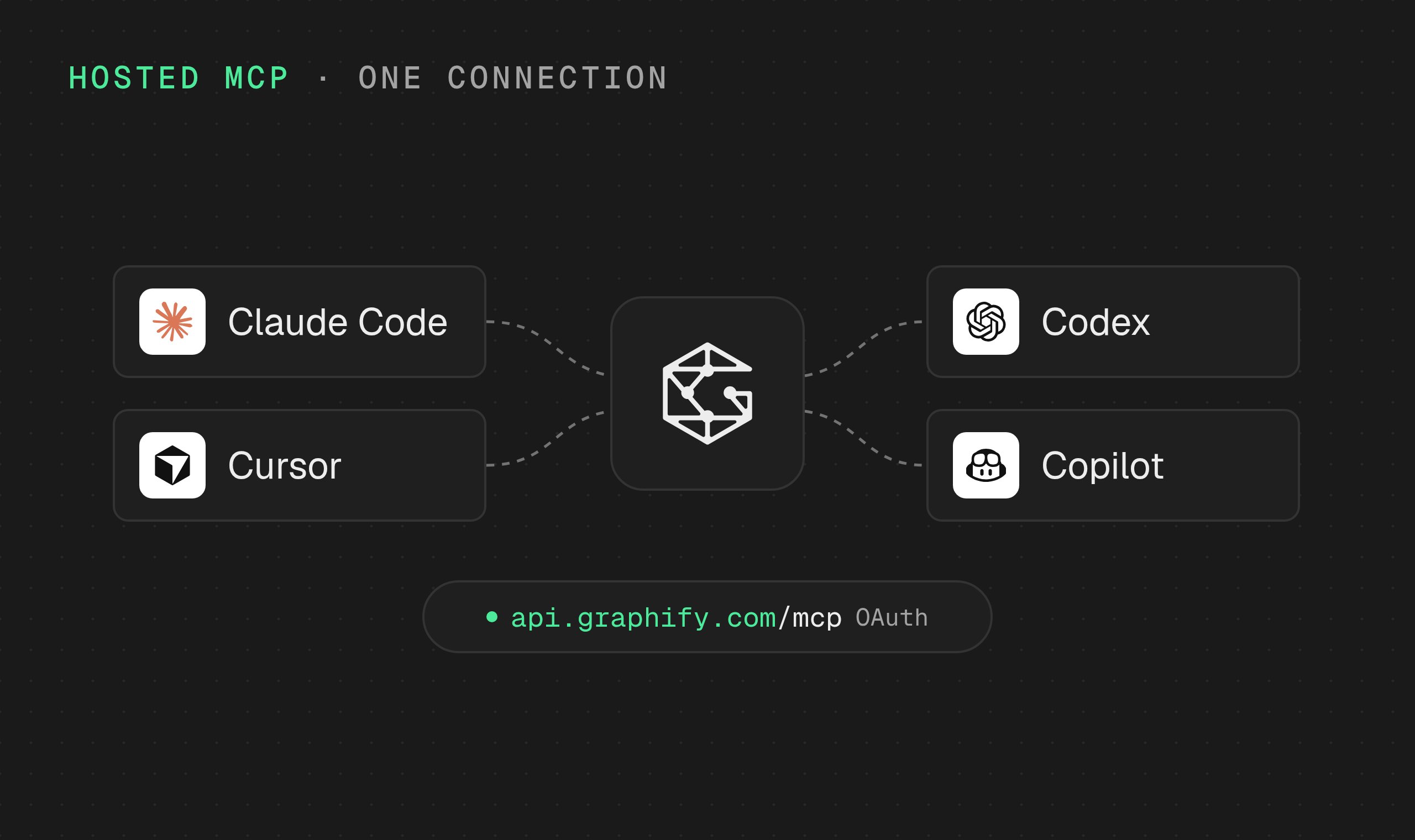
The hosted MCP server signs you in with OAuth. No API key needed. Other agents: Integrations.
Set up your coding agent with one prompt
Paste this into Claude Code, Codex, Cursor, or any coding agent. It reads the agent setup playbook, connects the hosted MCP server, and checks the connection.
Graphify for agents
How agents use Graphify →- Graphify MCPAdd https://api.graphify.com/mcp to any MCP client. Sign in with OAuth, no API key.Graphify MCP →
- Plugins and one-click installsInstall from the Claude directory, in Cursor, the VS Code extension, or the Graphify plugin for ChatGPT and Codex.Integrations →
- Cross-repo PR reviewGraphify reviews each new pull request with the graph, not only the diff. Your agent reads the result with
review_status.Pull request reviews → - Shared memoryYour team’s decisions, incidents and lessons, tied to the code. Agents check them with
recallbefore they edit and save new notes withremember.Memory →
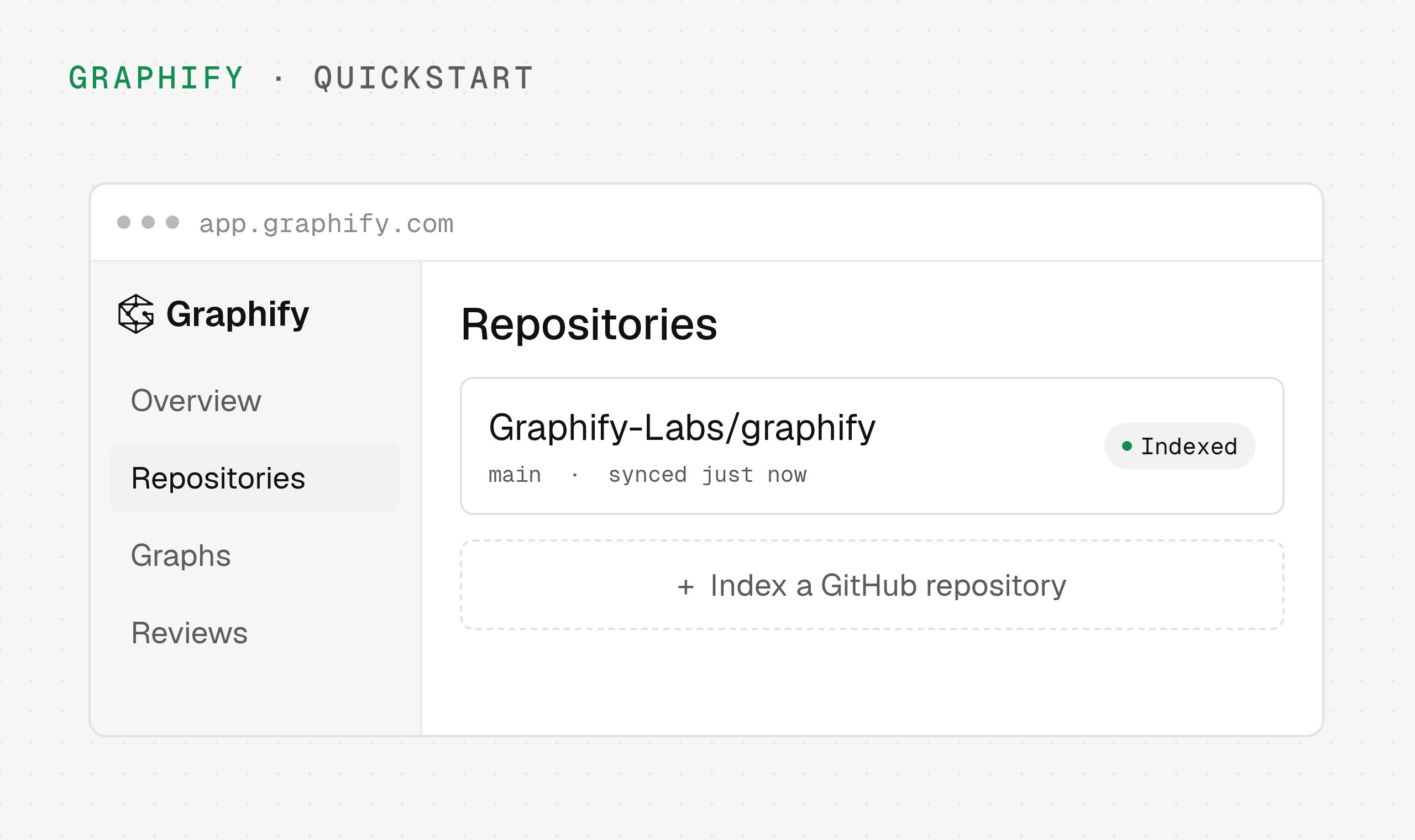
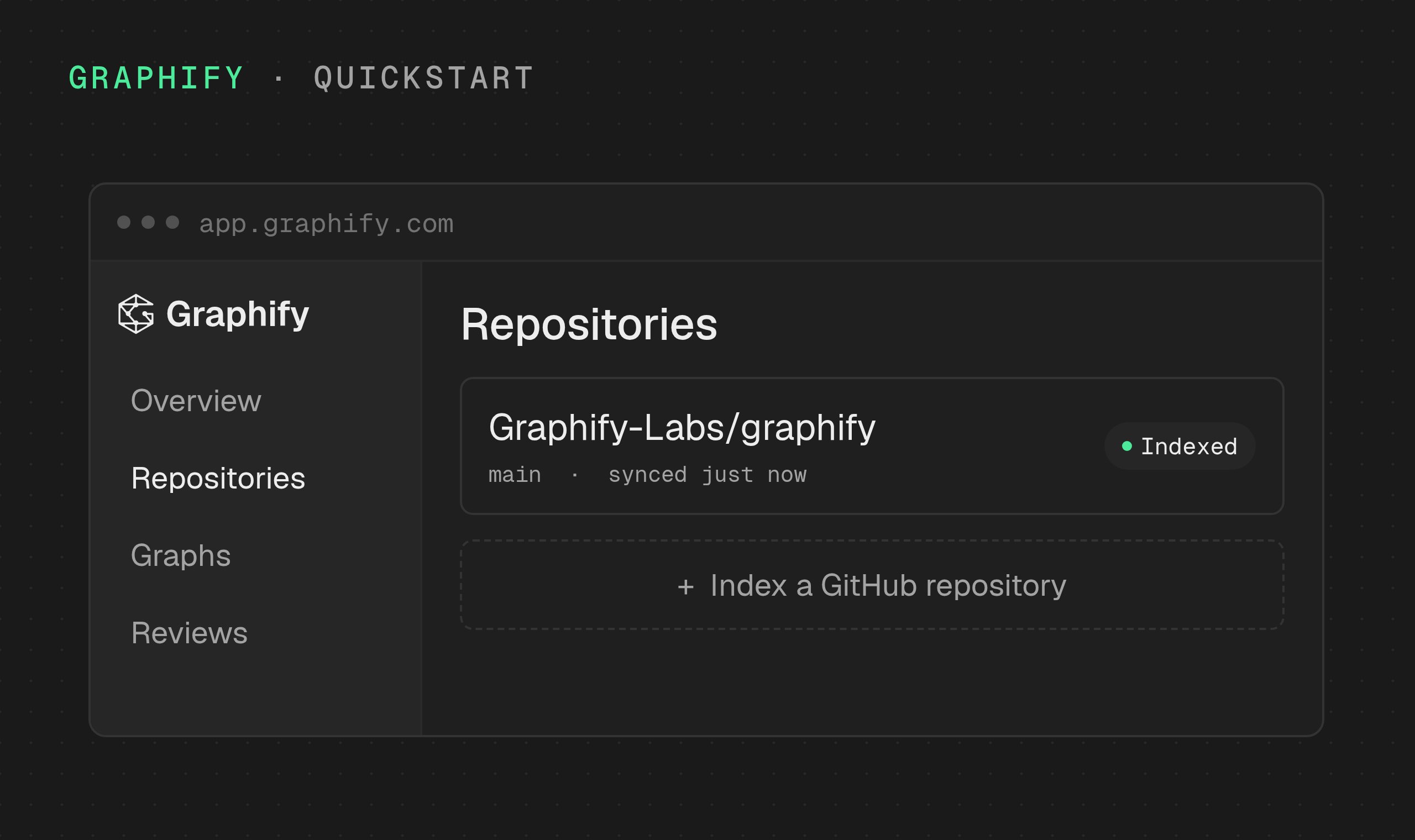
Start with Graphify
The hosted version of Graphify. Sign in, index a GitHub repository from your browser, and explore its graph in minutes.
Quickstart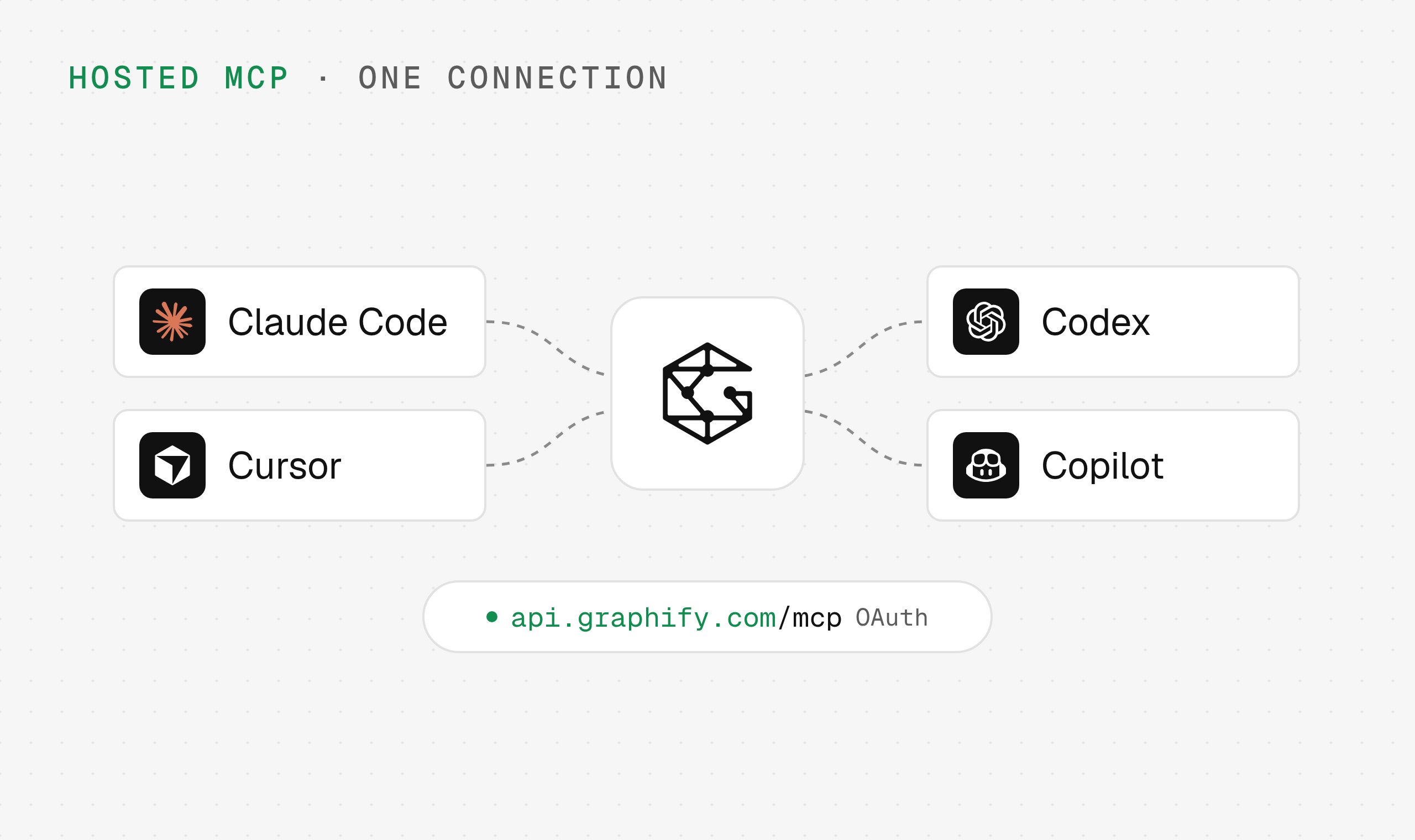
Connect your coding agent
Point Claude Code, Codex, Cursor, and other agents at the hosted MCP server. They sign in with OAuth, so there is no API key to paste.
Hosted MCP setup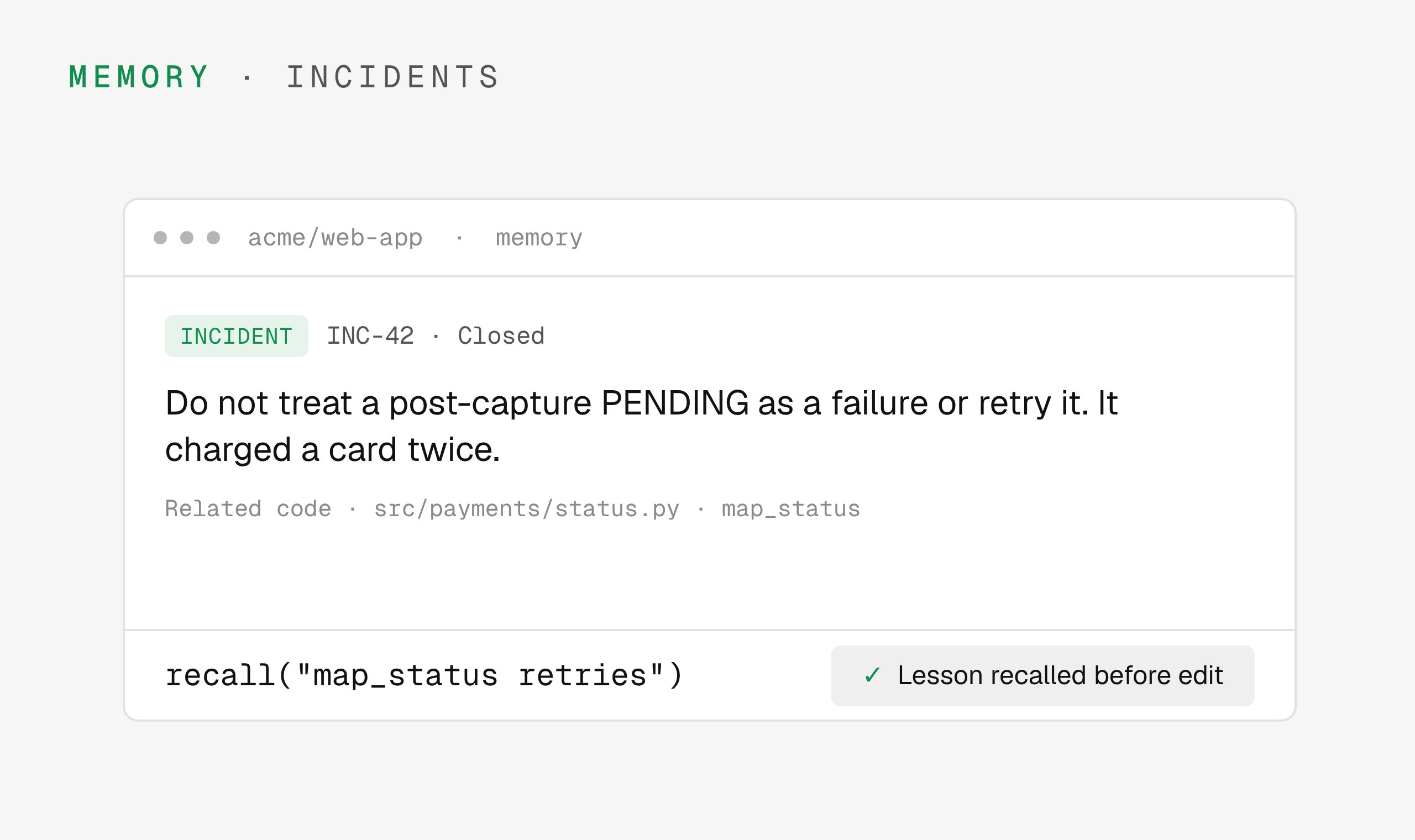
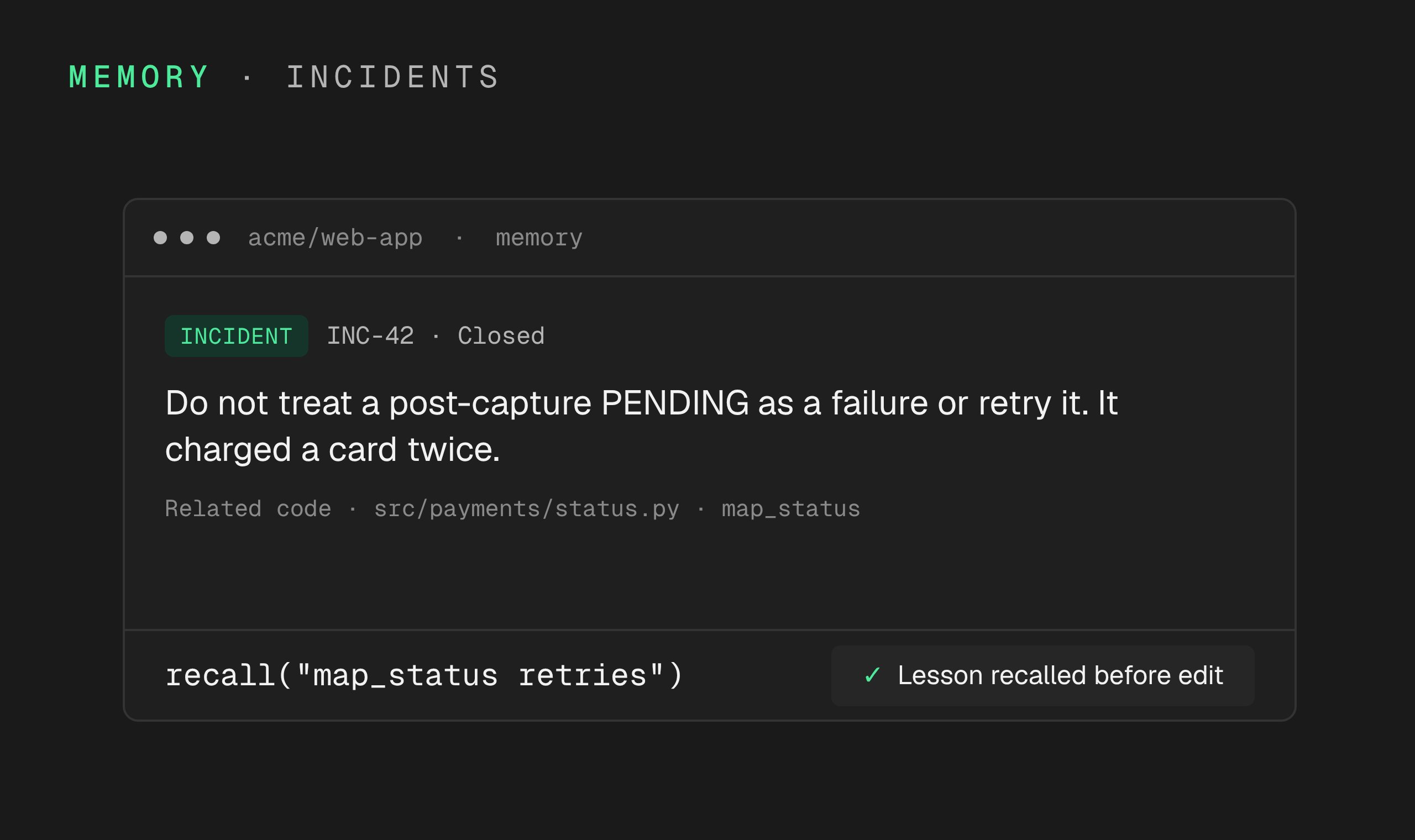
Remember incident lessons
Save what broke and why in Memory, tied to the code. Your agents recall it before they edit that function or review a related pull request.
Incident memory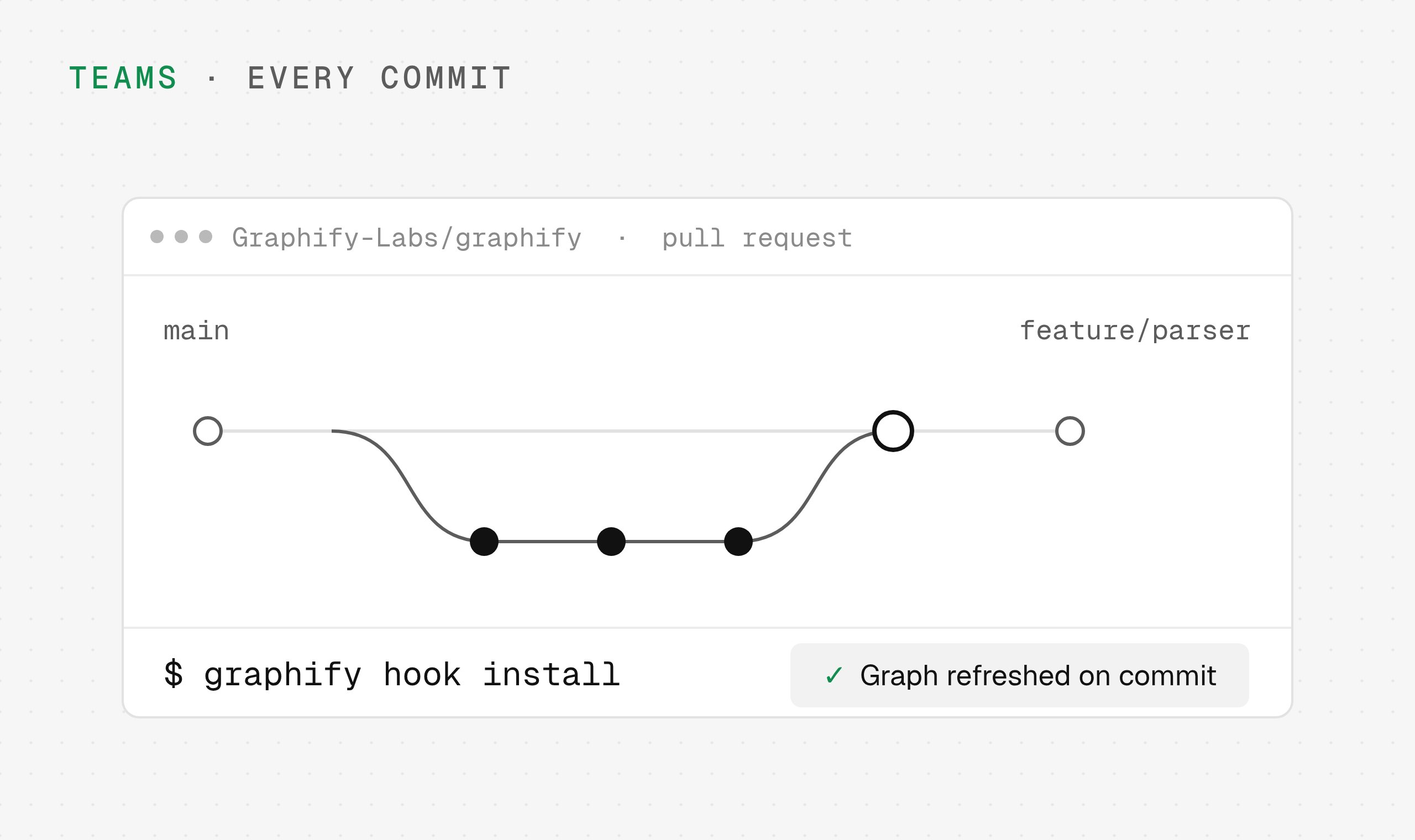
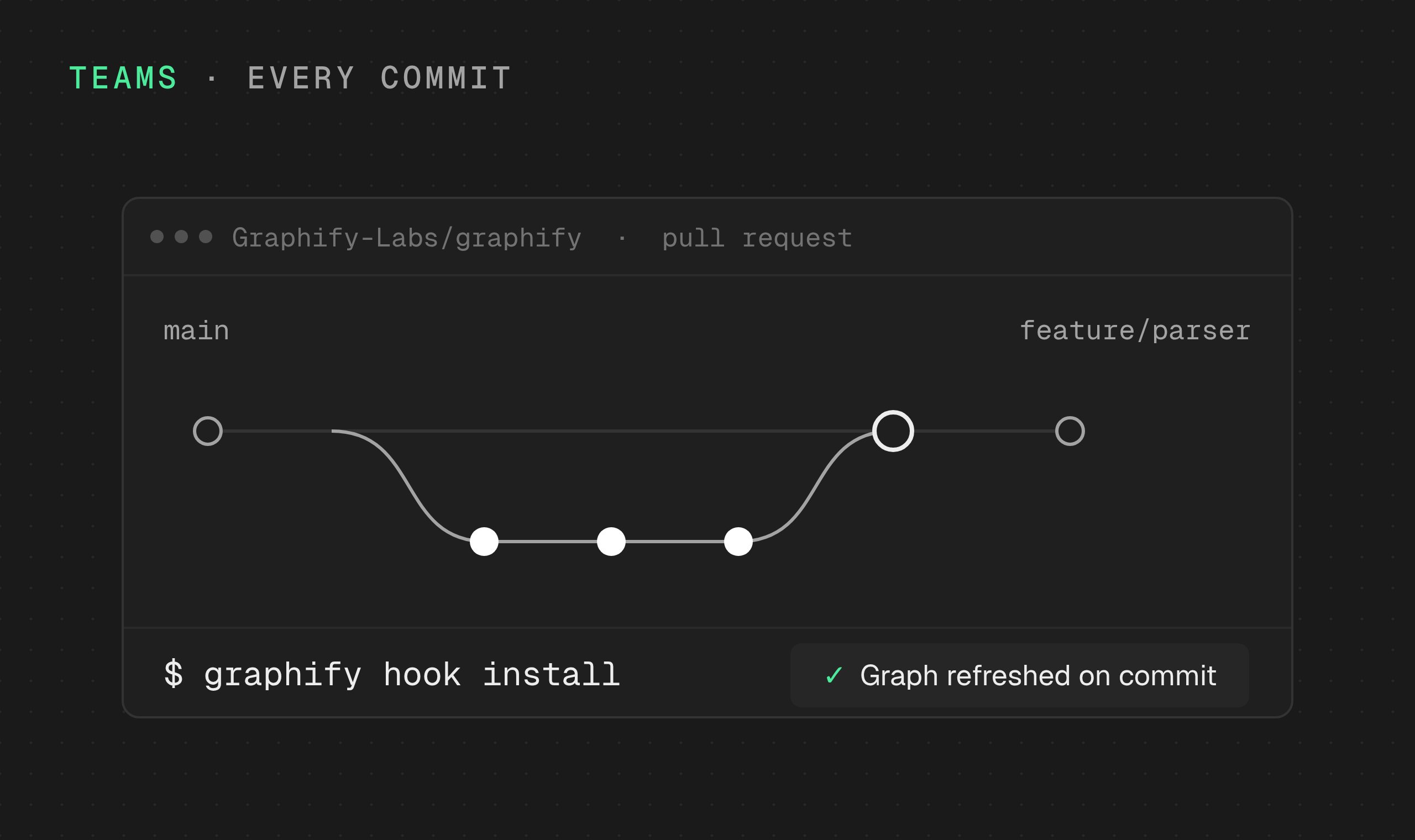
Keep your team in sync
Refresh graph context on every commit and investigate changes across pull requests.
Team workflows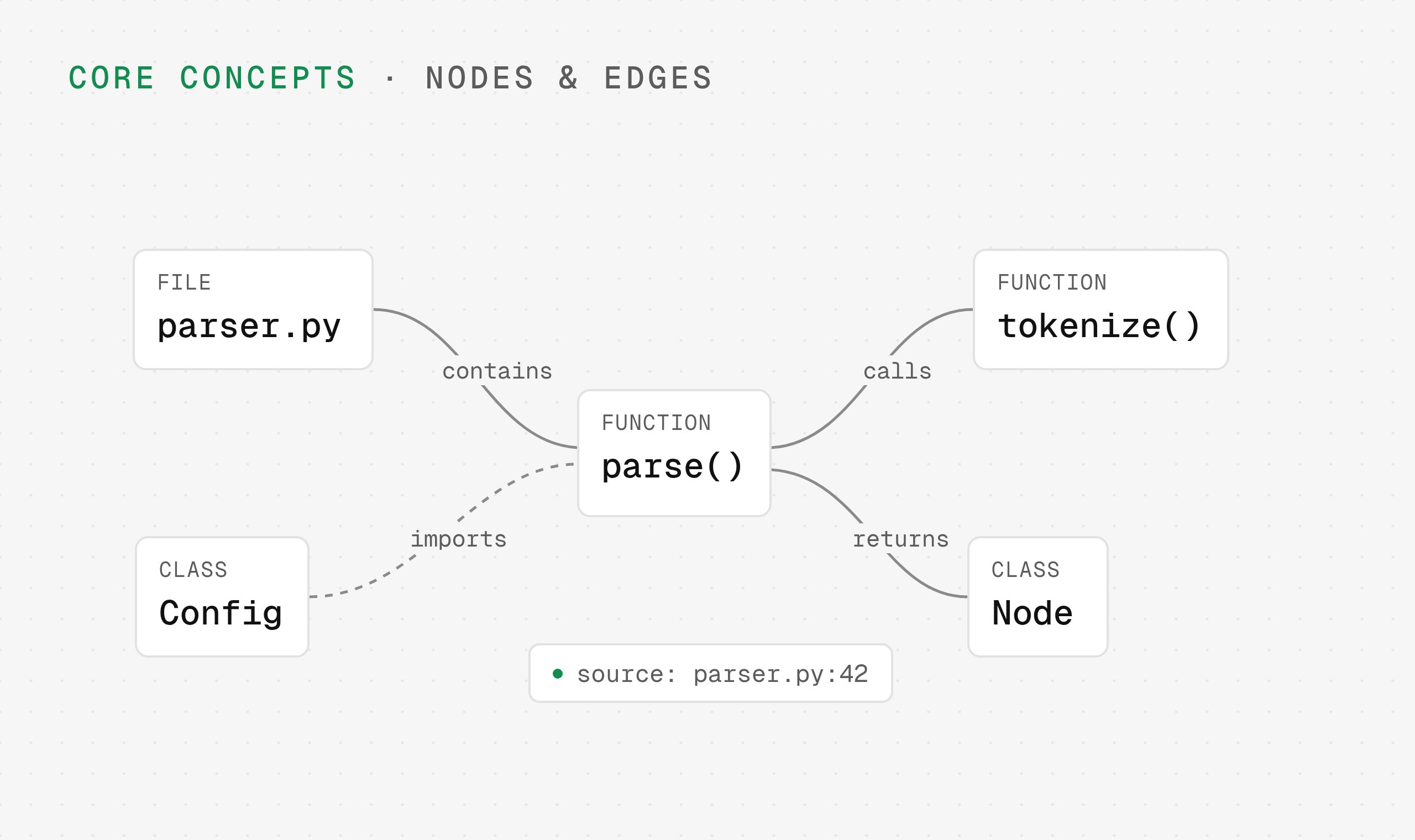
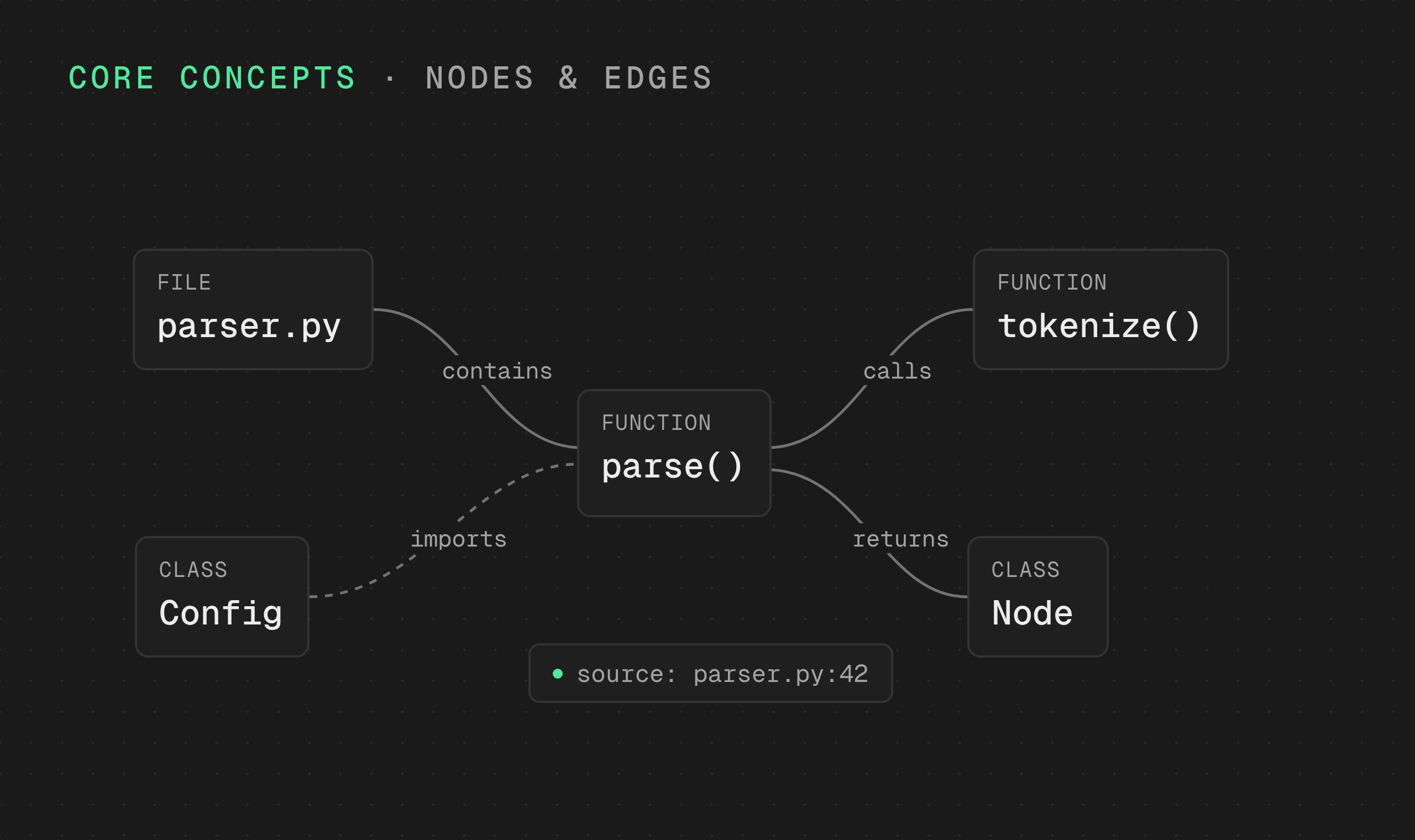
Understand the graph
How Graphify turns source files into nodes, edges, and provenance your assistant can traverse.
Core concepts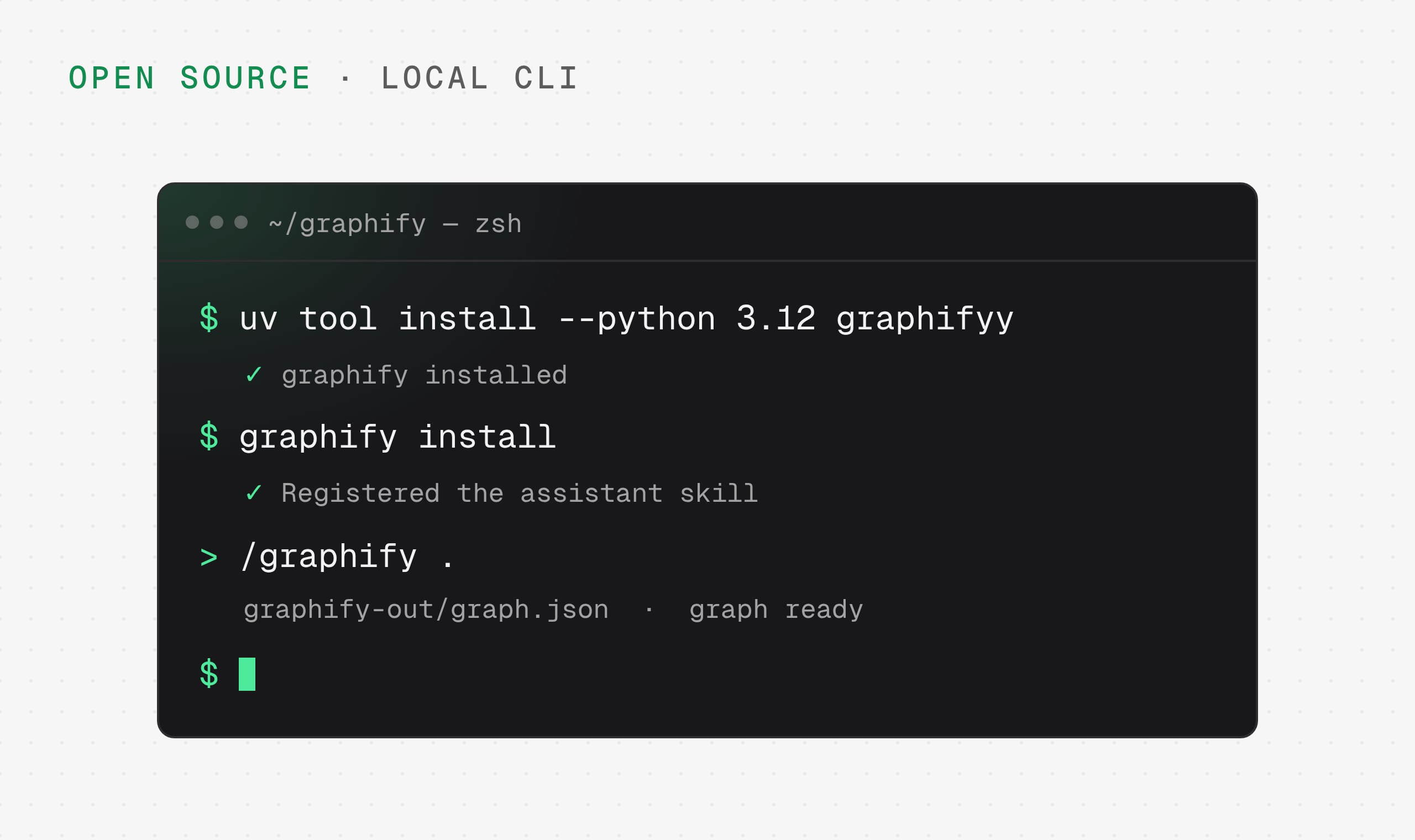
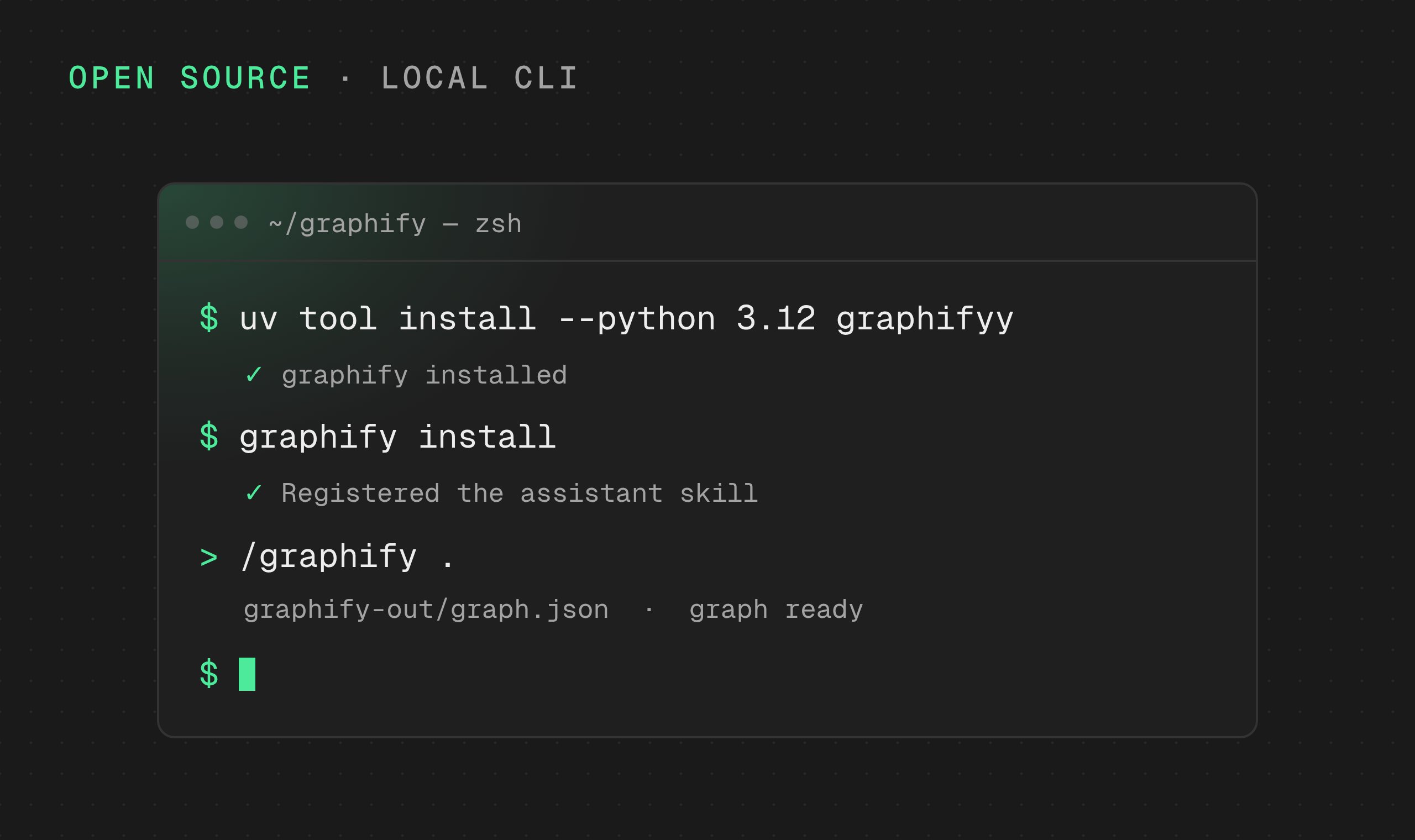
Graphify CLI
Run open-source Graphify, the graphifyy package, on your machine. Map a repository from your terminal and keep the graph in your own files.
Local quickstartConnect your agent to Graphify
One hosted MCP server, https://api.graphify.com/mcp. Prefer the terminal? See the CLI reference.