

Overview
Overview is the workspace home. All repositories sets the scope. Sync refreshes the workspace. Connect agent opens the path to a coding assistant. Code findings lists Checks incomplete, Duplicate code, and Dead code. Recent activity includes pull requests reviewed. Continue work is where a recent review or finding returns. Your indexed repositories shows a graph card for each indexed repository, with Combine graph and View all. Further down, Workspace stats covers builds, code reviews, build outcomes, and graph density.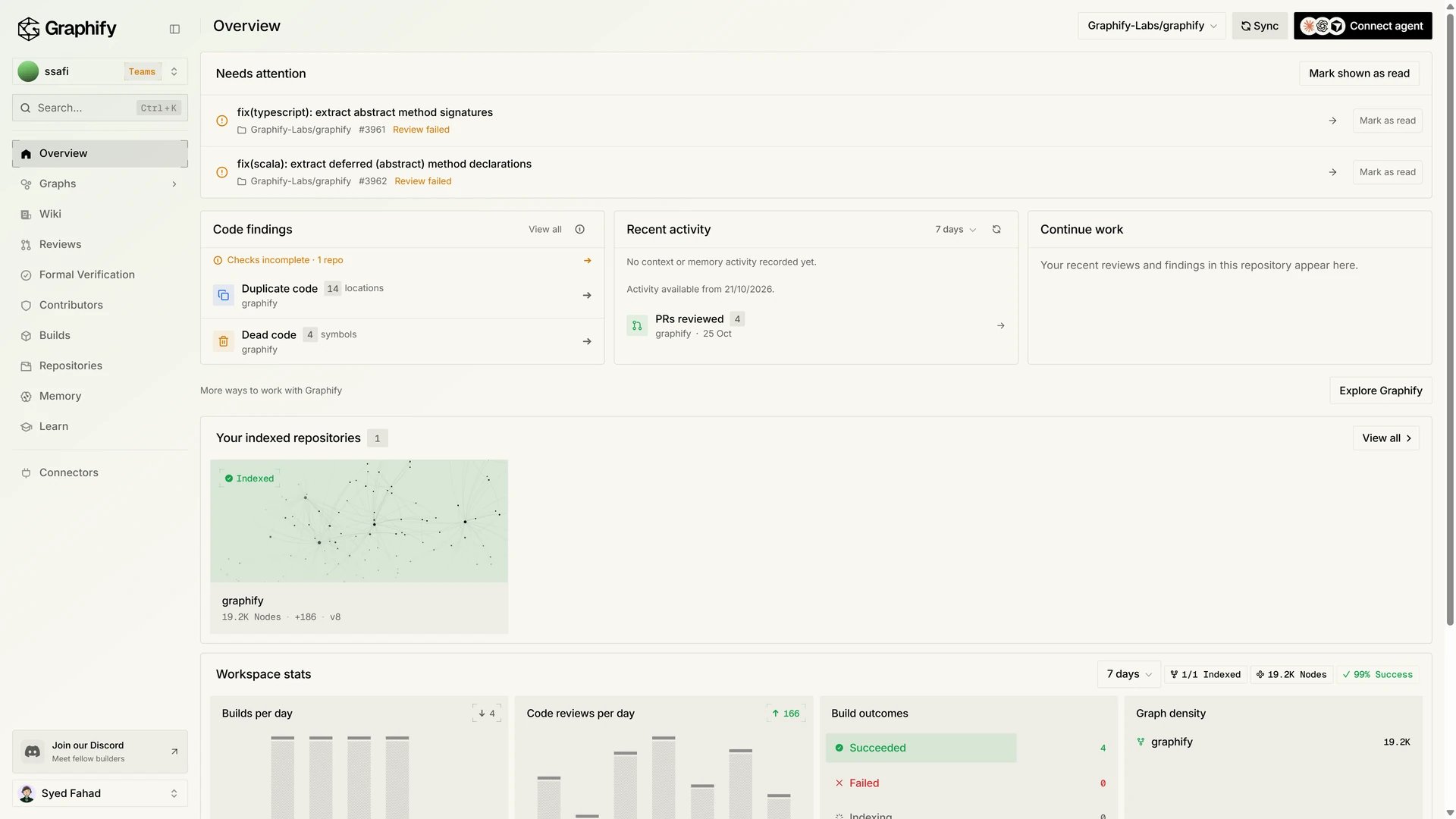
Graphs
Graphs has two views. Single Repository opens one graph. The header picks the repository, All code areas, and Kind. The counts are Nodes, Edges, Extracted, Inferred, Synthesized, Observed, and Tokens saved. Search sits beside the canvas, with the most connected areas.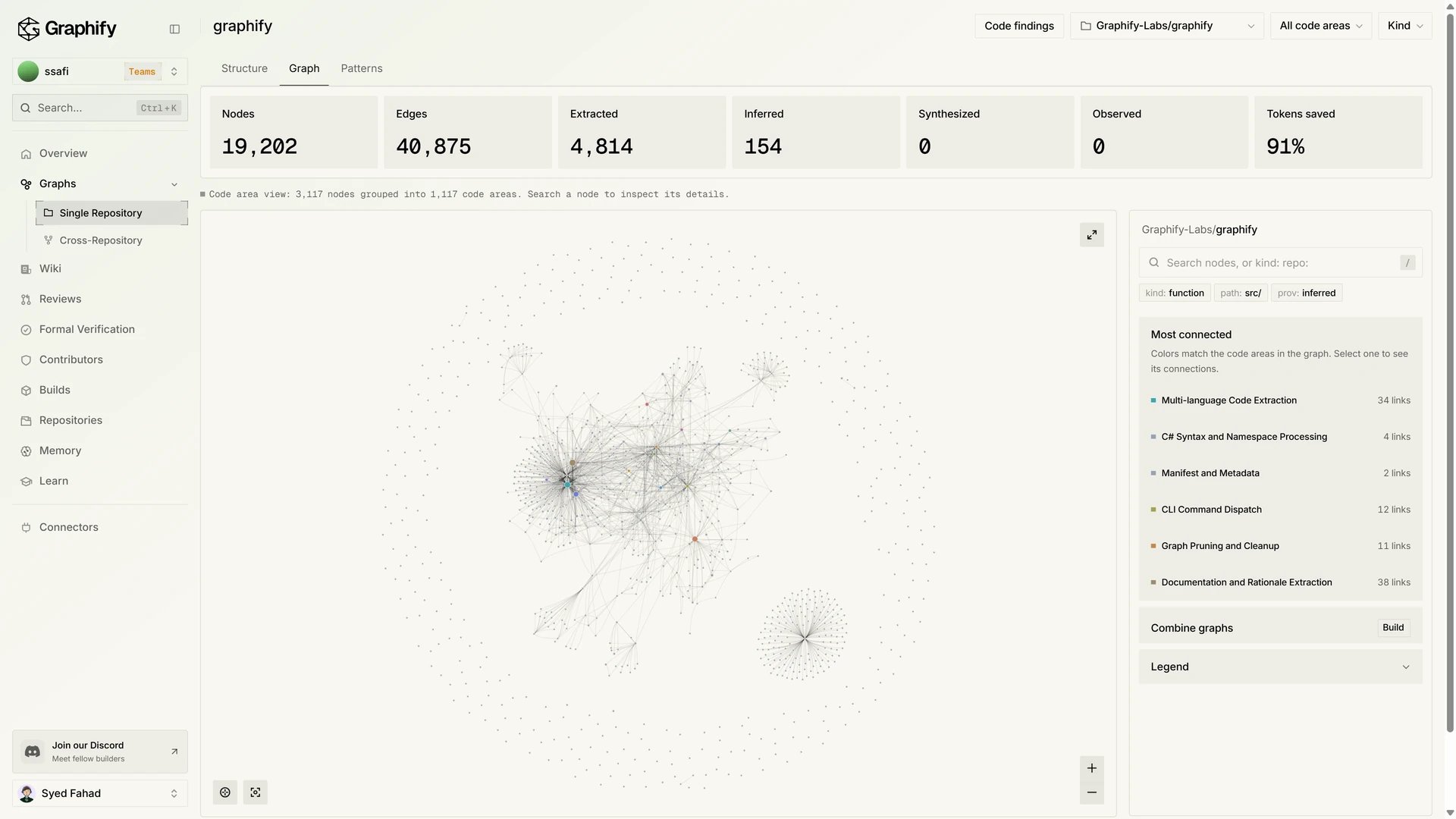
Wiki
Wiki turns an indexed repository into pages. Pick the repository, then browse Areas or use Search pages. Reading mode and Ask sit in the header. On this page follows the open article. See Wiki for indexing requirements and empty states.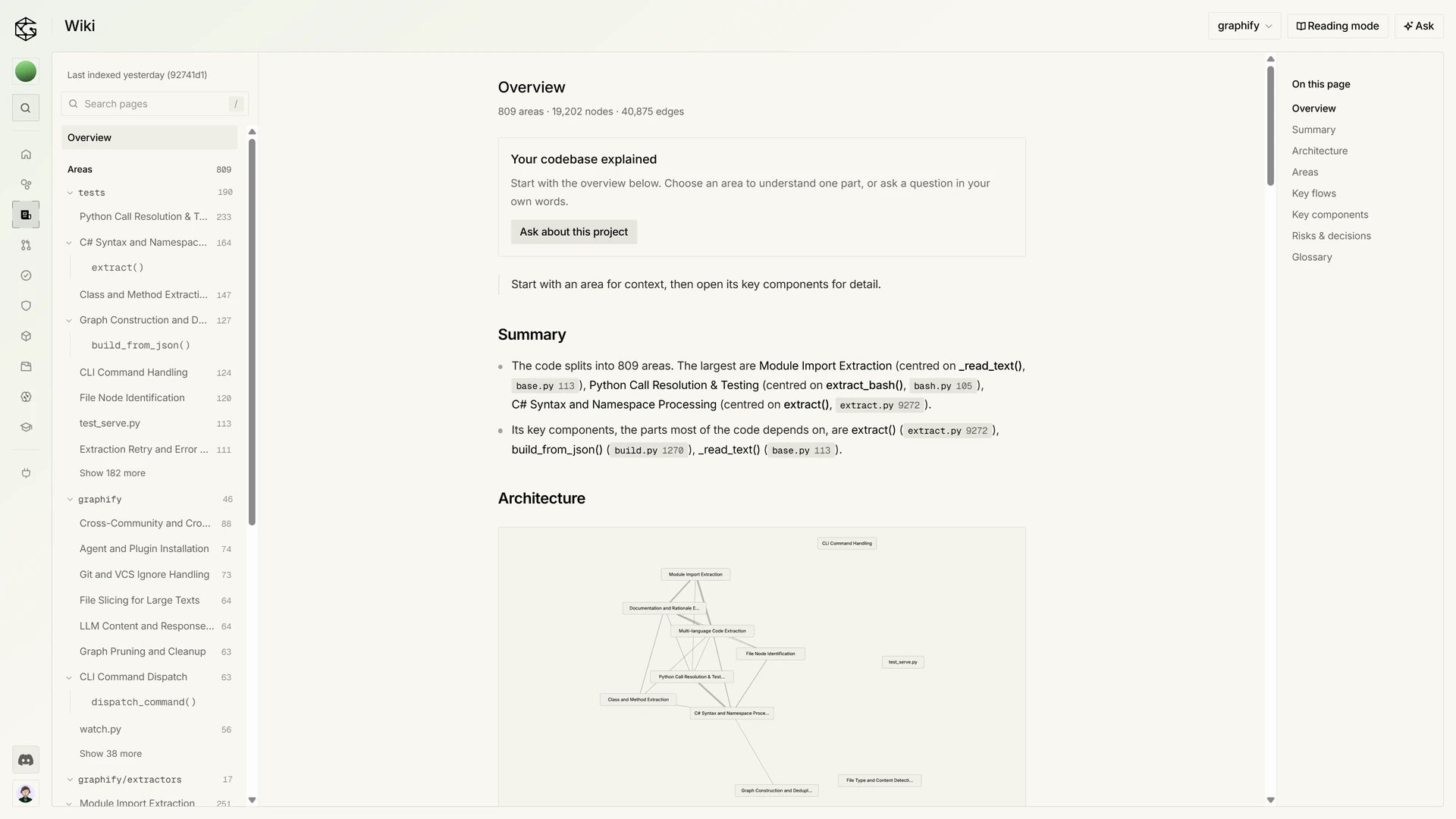
Pull request reviews
Reviews lists pull requests for the workspace. Search pull requests filters the list. All, Needs attention, and In progress are the other filters, and All repositories narrows to one repository. The list is the Latest review per PR. A row shows a state such as Review suggested, Action needed, or No blocking findings, then Reviewed and the finding count. Review opens that run.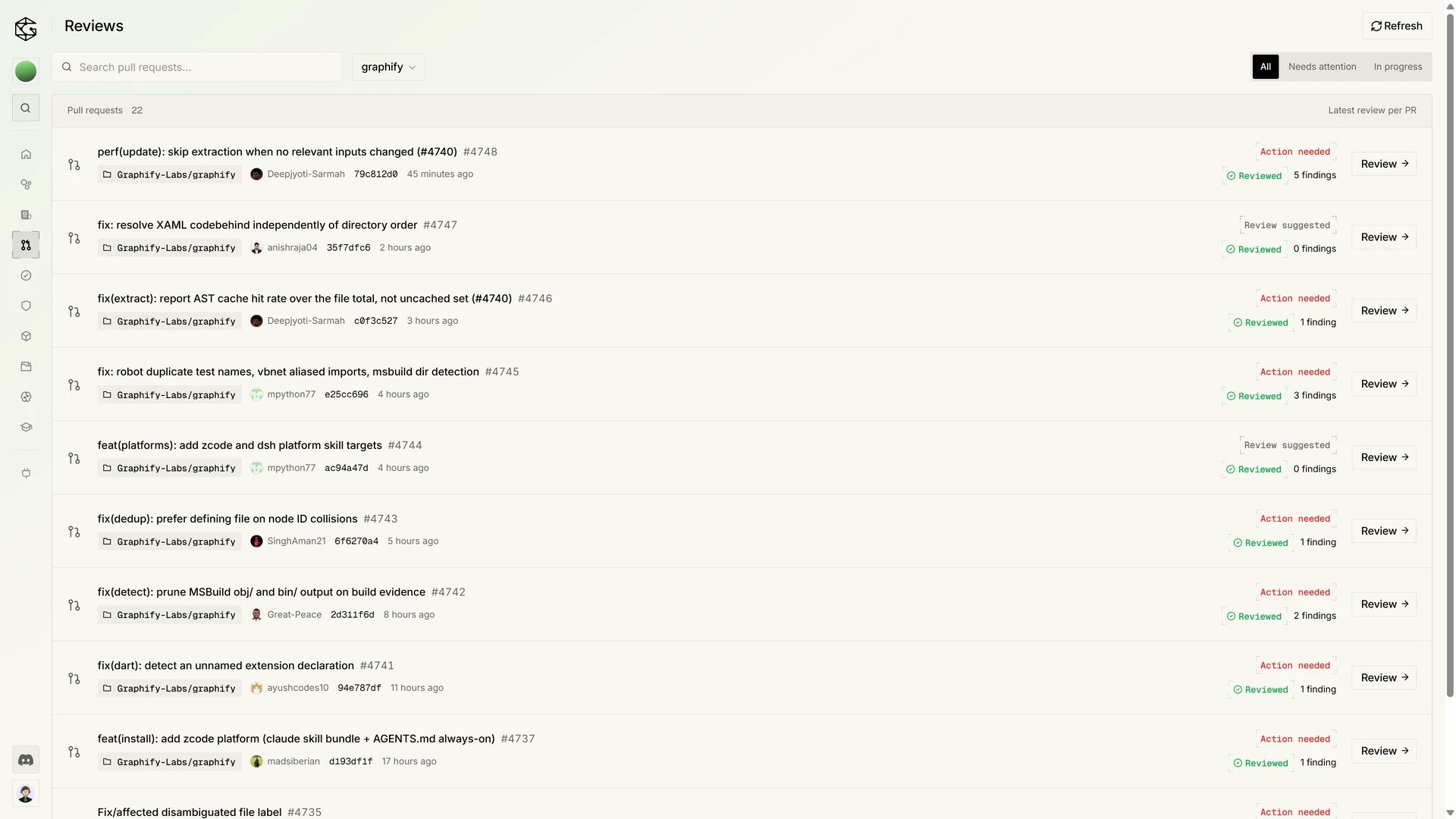
Formal verification
Formal Verification lists behavior checks. The line under the title is Check whether code changes affect behavior. How to read results opens the legend. Each row is one pull request: a short result, Completed when the check finished, and Open PR. A result can say the change was tested, not proven. Read the formal verification guide before interpreting a result.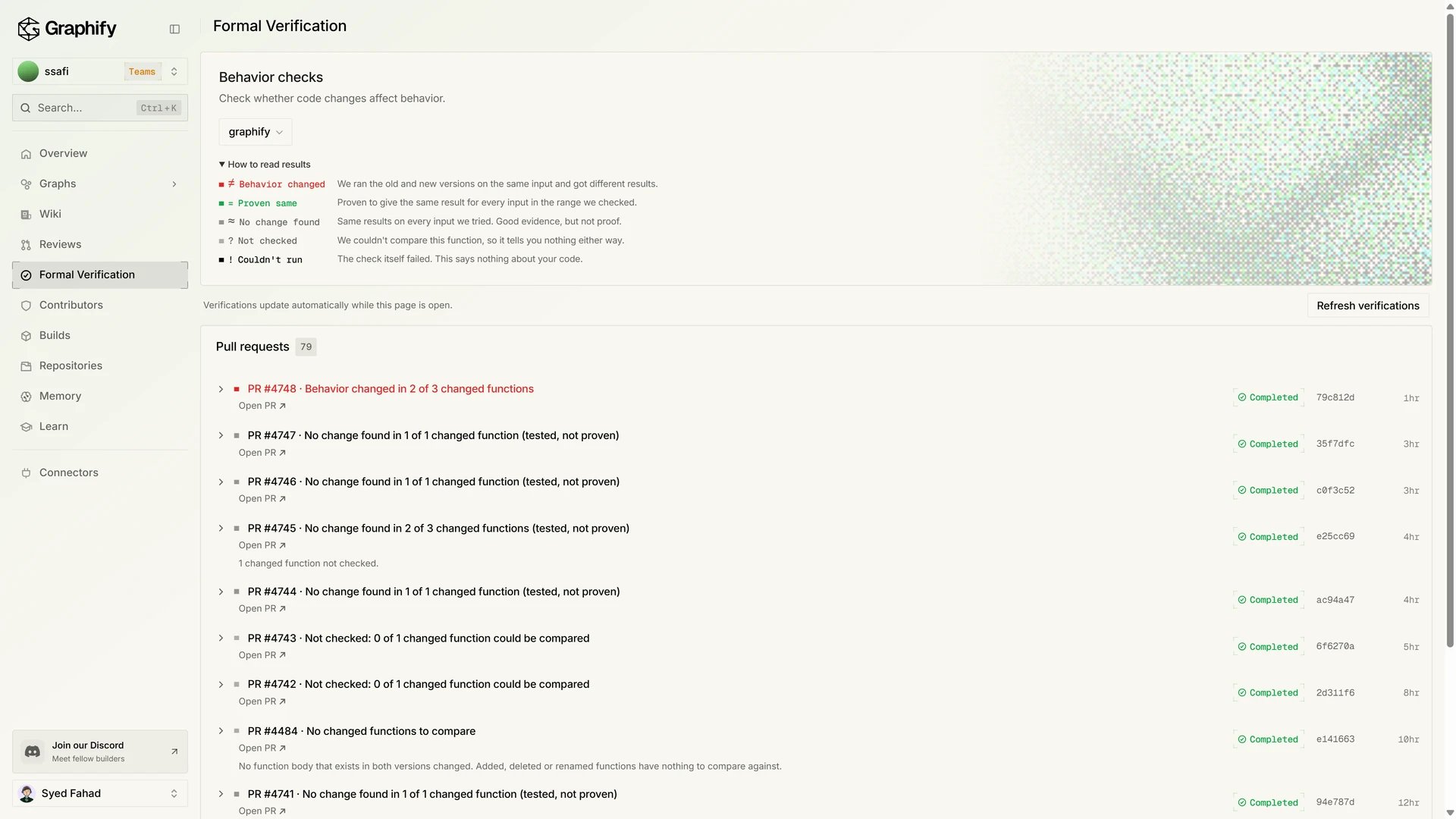
Contributors
Contributors answers who contributes to the selected repository. Tamper risk and Contributors are the two tabs. Search by name or username filters the list. A row shows commits, how many are signed, Ai, and Reach. See Contributors.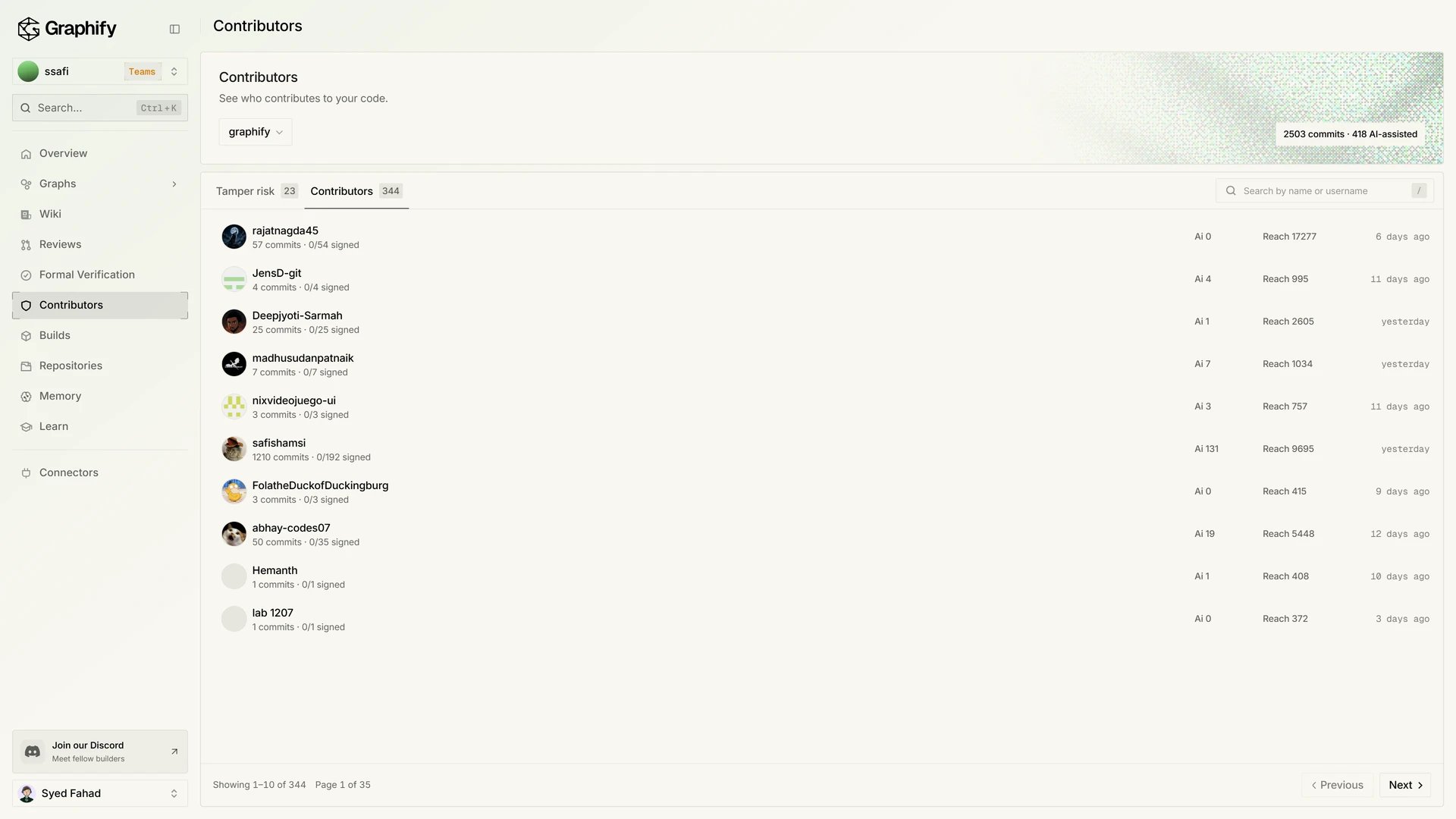
Builds
Builds is the indexing history. The heading under the title is Repository indexing. Filter by repository and by status. The summary is Total builds, Succeeded, Failed, and Nodes produced. A failed build leaves the previous graph in place. Recent builds lists each run. See Repositories and builds.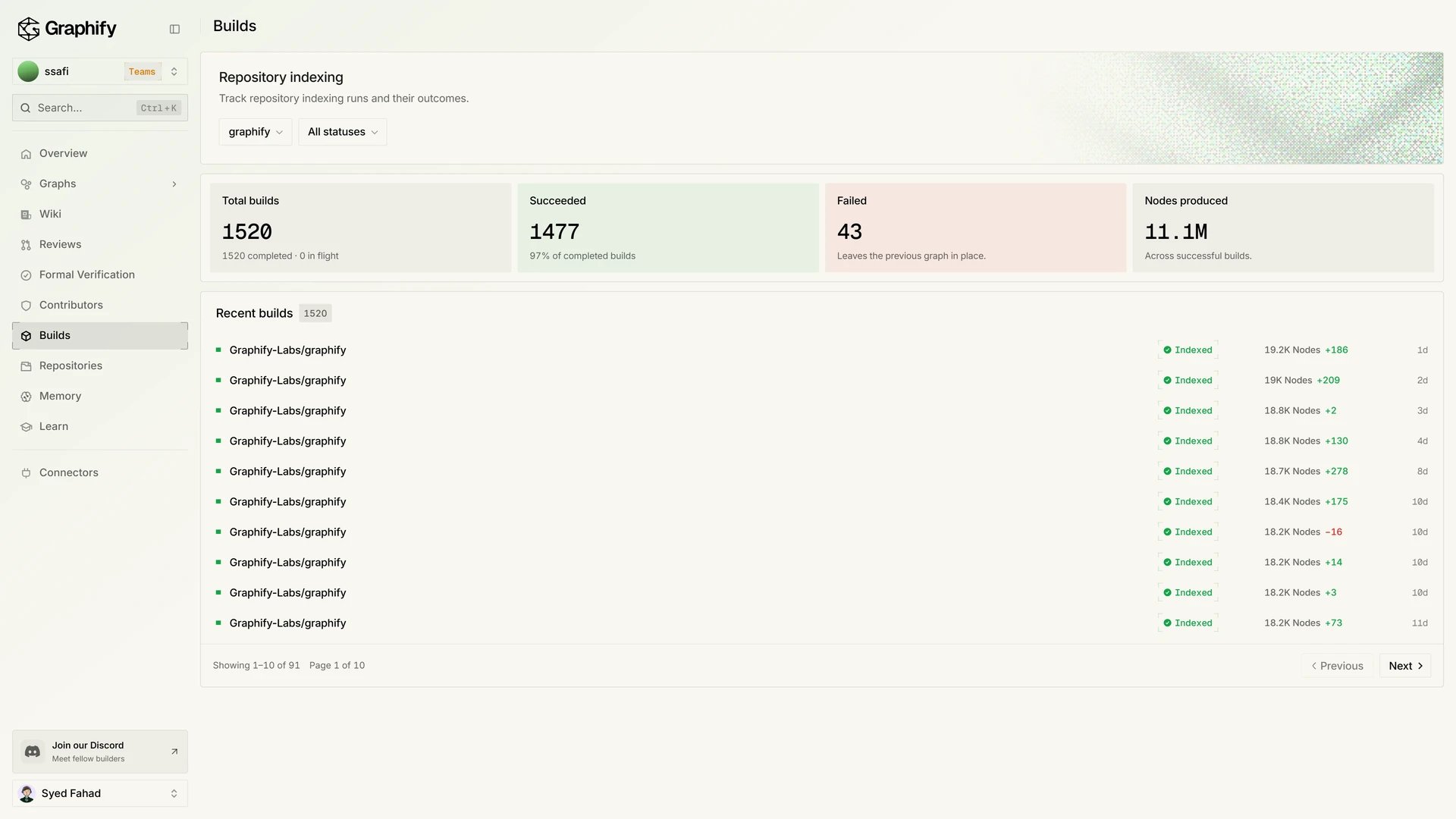
Repositories
Repositories lists code repositories and Google Drive folders. All, Code, and Drive filter that list. Search repositories and folders is on the same page, with Sync and Add GitHub repositories. A row shows a status such as Indexed or Paused. See Repositories and builds and Connect Google Drive. Builds, above, is that history for the repository you select.Memory
Memory is where the workspace keeps notes for one repository. Simple and Advanced switch the layout. Add memory saves a note. Ask and Search are the two ways in. Your agent keeps its own memory. Graphify adds shared knowledge, with no automatic syncing. See Memory.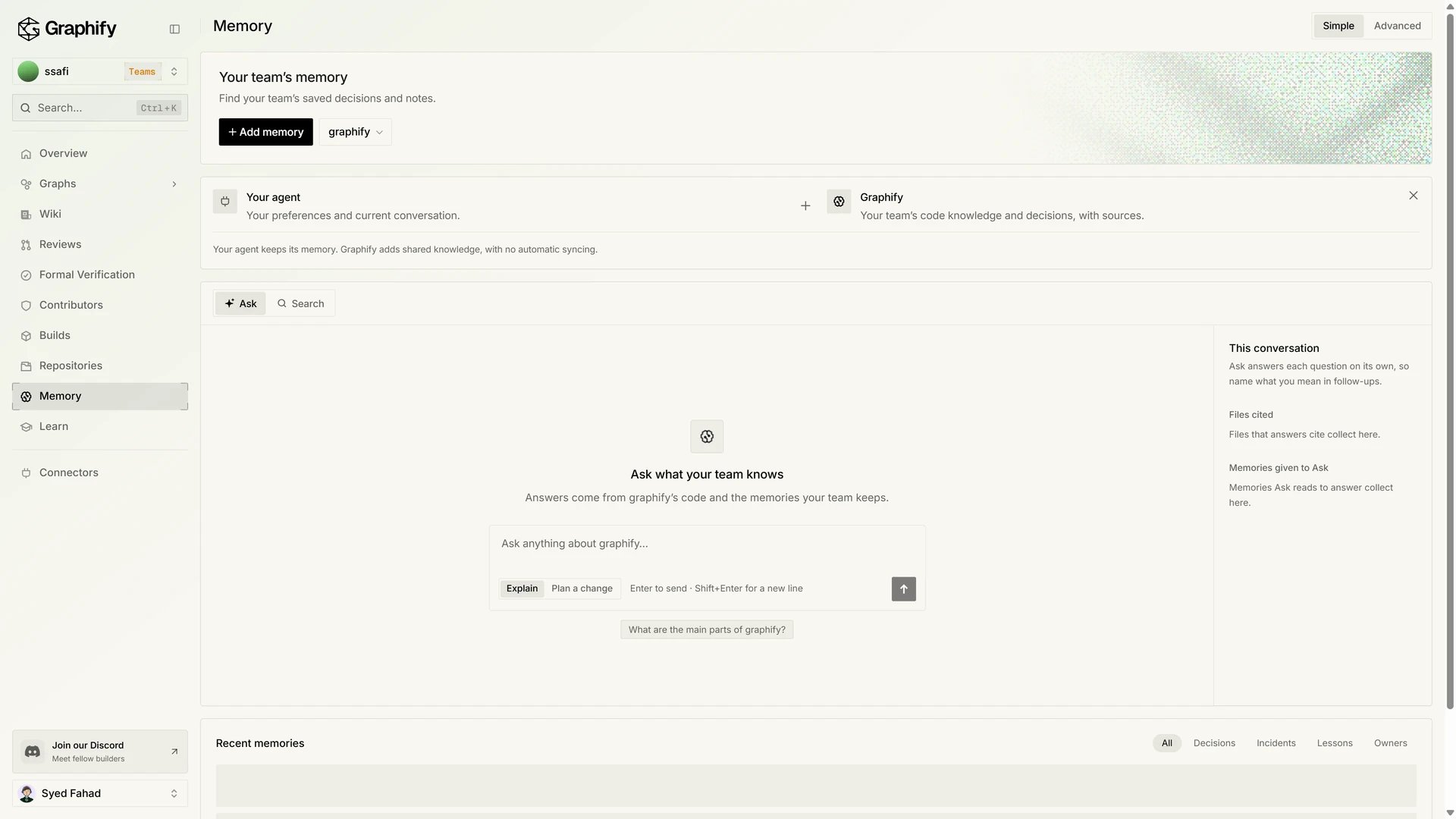
Learn
The sidebar label and the page title are Learn. The section under the title is Learning: manage feedback on code reviews, then Open reviews. The counts are Muted findings, Muted patterns, Feedback last 30d, and Verifier adjustments. Learned dismissals and Suppressions are read-only. See Learning for the feedback commands.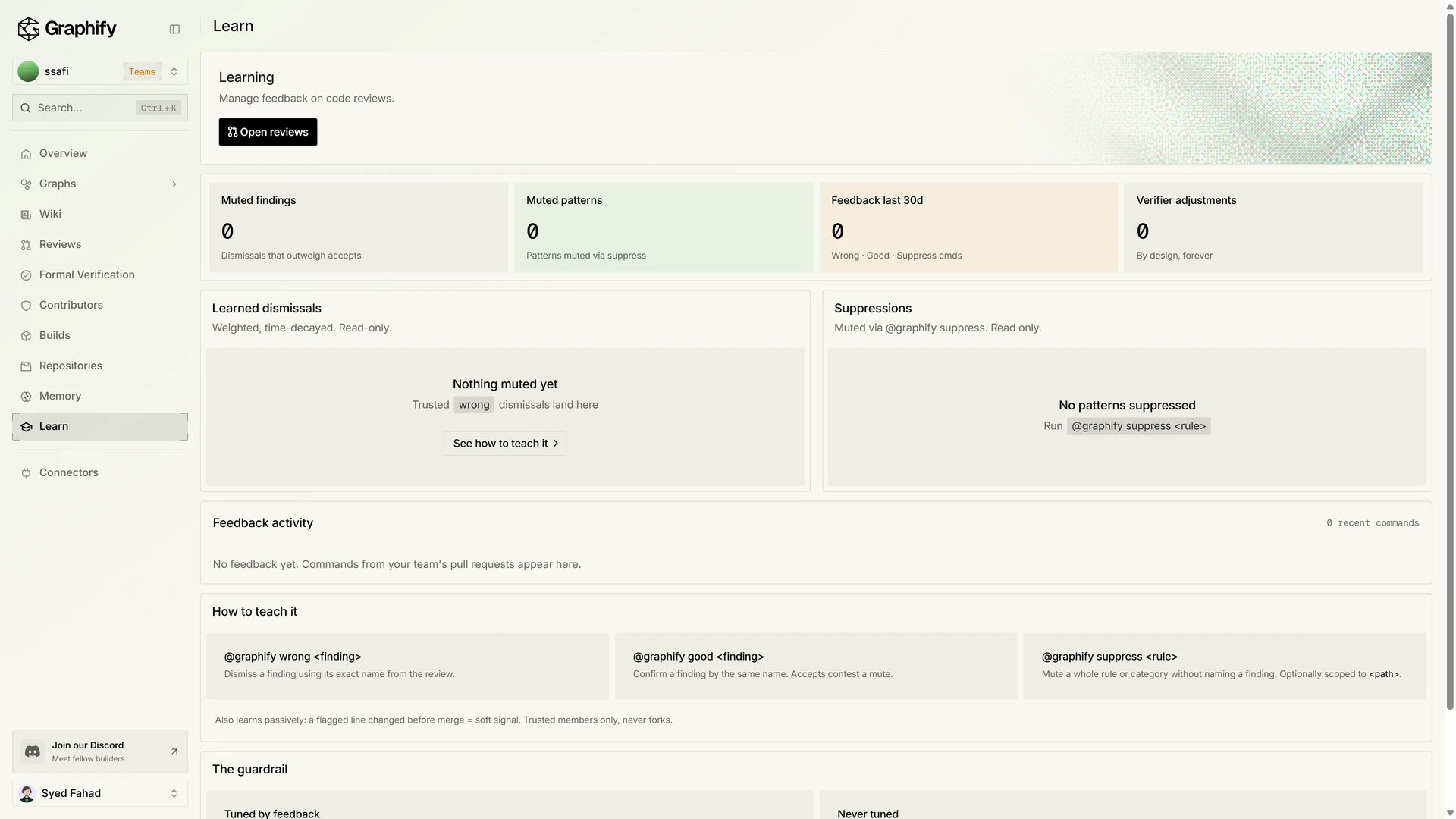
Connectors
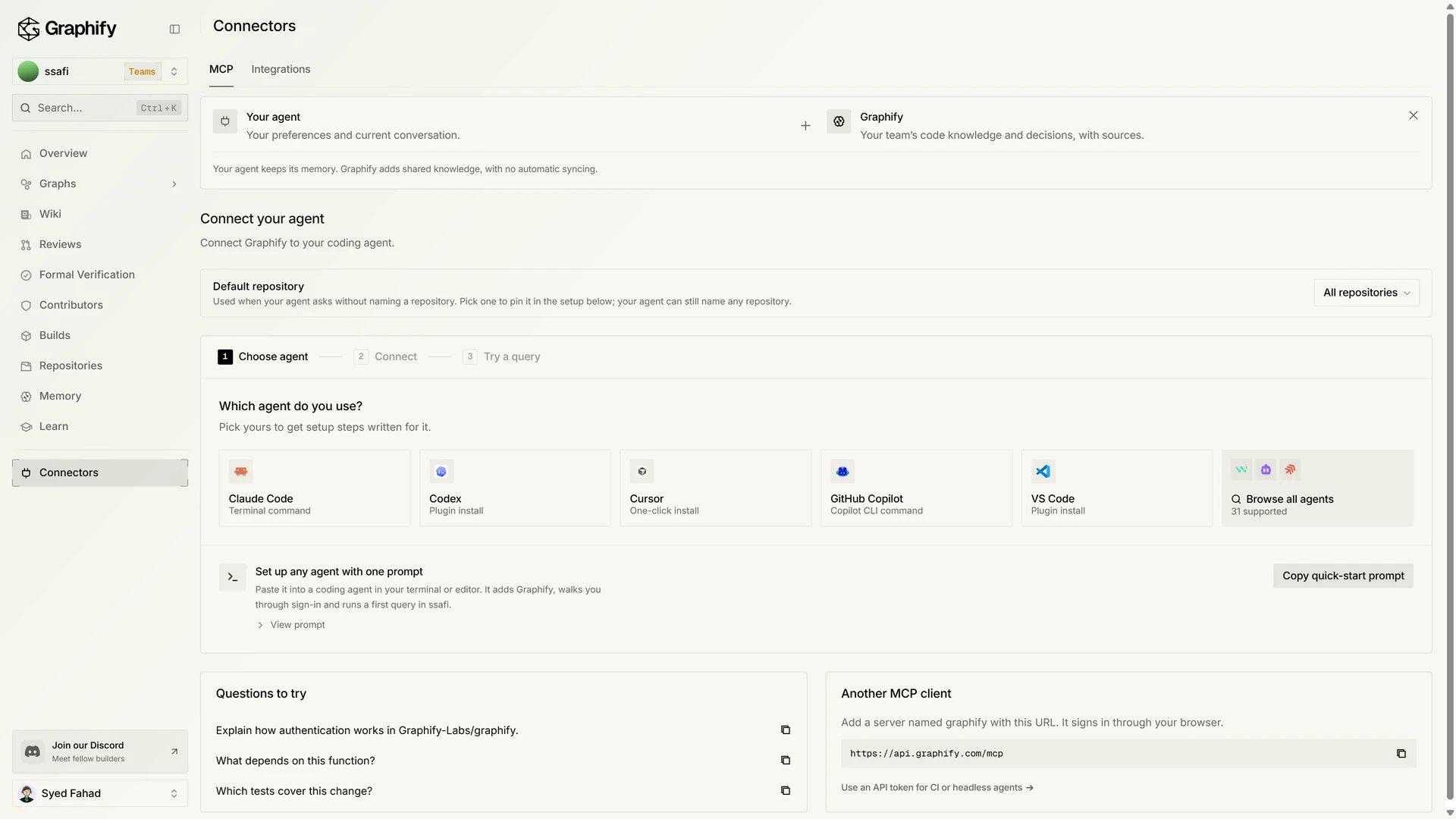
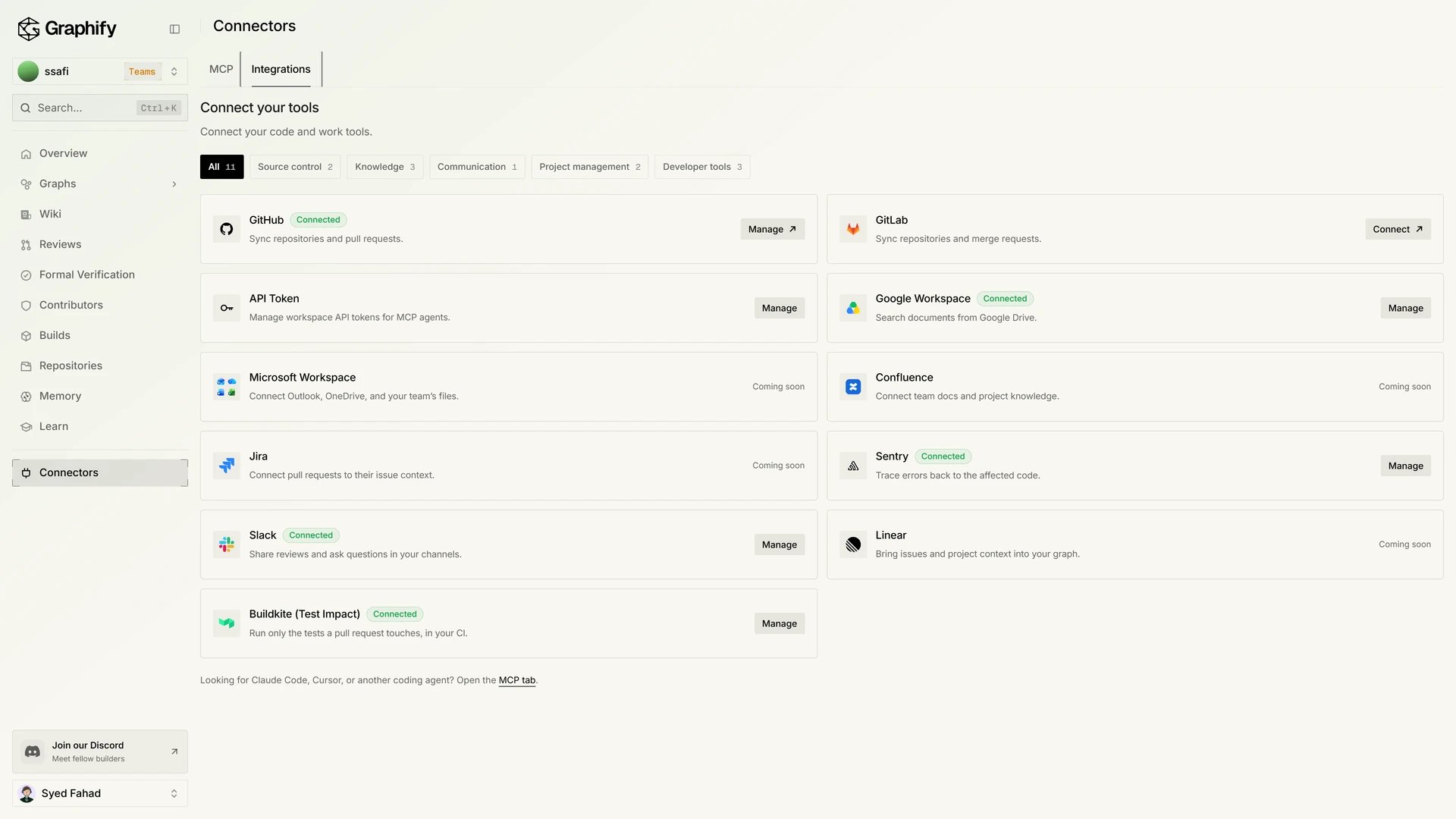
Connectors has two tabs. MCP connects a coding agent. The steps are Choose agent, Connect, and Try a query. The agent list includes Claude Code, Codex, Cursor, GitHub Copilot, and VS Code. Default repository is the repository used when an agent does not name one. Another client uses the hosted serverhttps://api.graphify.com/mcp.
Also in the workspace
- Profile covers achievements, the last 7 days of Performance, and Power Ranking.
Next steps
Connect your agent
Add the hosted MCP at
api.graphify.com/mcp. Sign in with OAuth, no API key.Repositories and builds
Add and index repositories.
Pull request reviews
Turn on graph-aware reviews.